
WHAT IS AN eSIM?
The modern digital way to connect across 190+ destinations worldwide
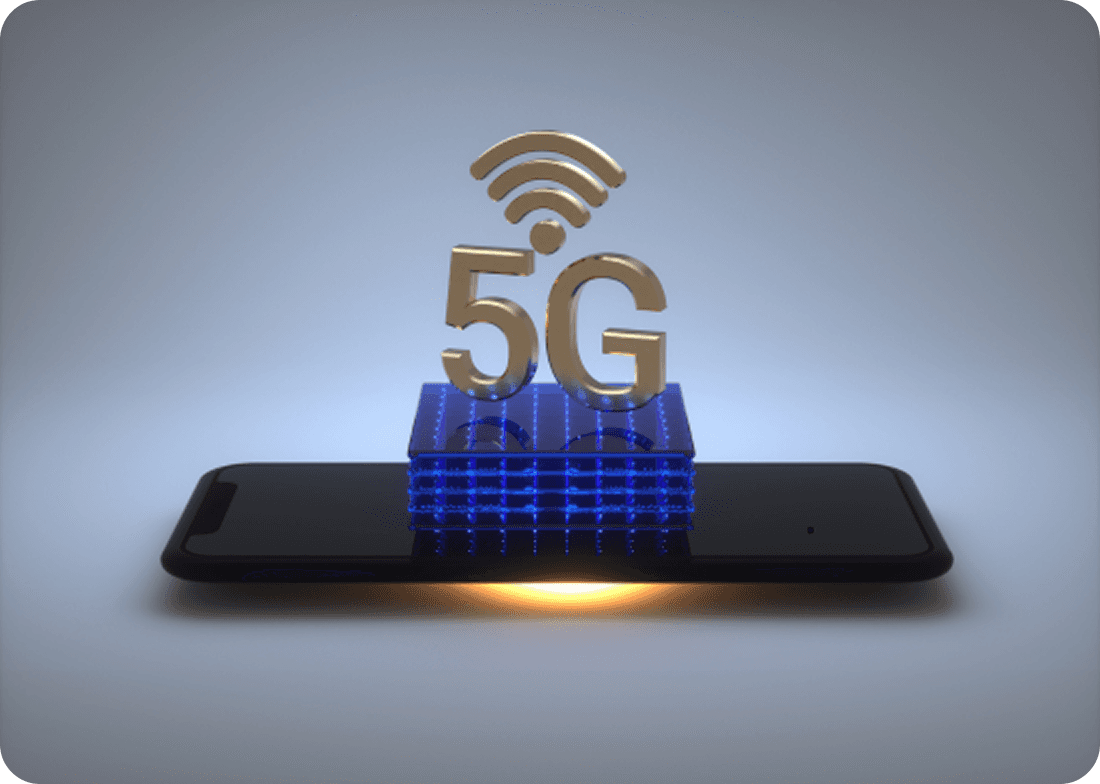
What Is an eSIM?
Everything You Need to Know
An eSIM (embedded SIM) is a built-in digital SIM that lets you activate cellular data without inserting a physical plastic card. It is the easiest, fastest, and most affordable way to stay connected while traveling internationally.
How an eSIM Works?
An eSIM is built directly into your device. Instead of swapping plastic SIM cards, you download an encrypted digital profile that securely connects you to top local mobile networks.

Buy a Plan Online
Choose your travel destination and pick the data plan that fits your trip.
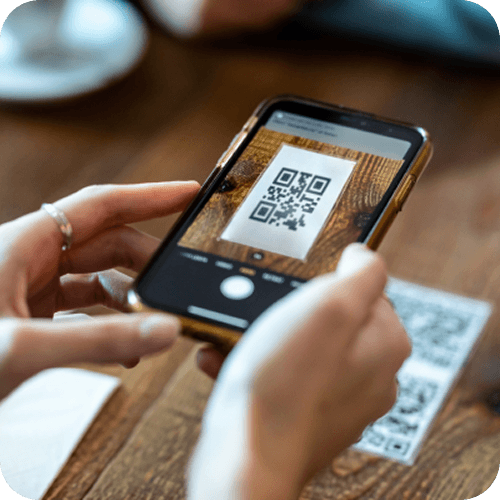
Install via QR or App
Scan your instant QR code or use quick 1-click in-app setup.

Activate Instantly
Turn on your eSIM line with zero waiting time and no physical store visits.

Connect Worldwide
Automatically connect to premium local 4G/5G partner networks upon arrival.
Benefits of Using an eSIM for Travel
Say goodbye to roaming shock and plastic cards with smarter connectivity

No Roaming Fees
Skip expensive international roaming charges — pay only transparent local rates for the high-speed data you need.
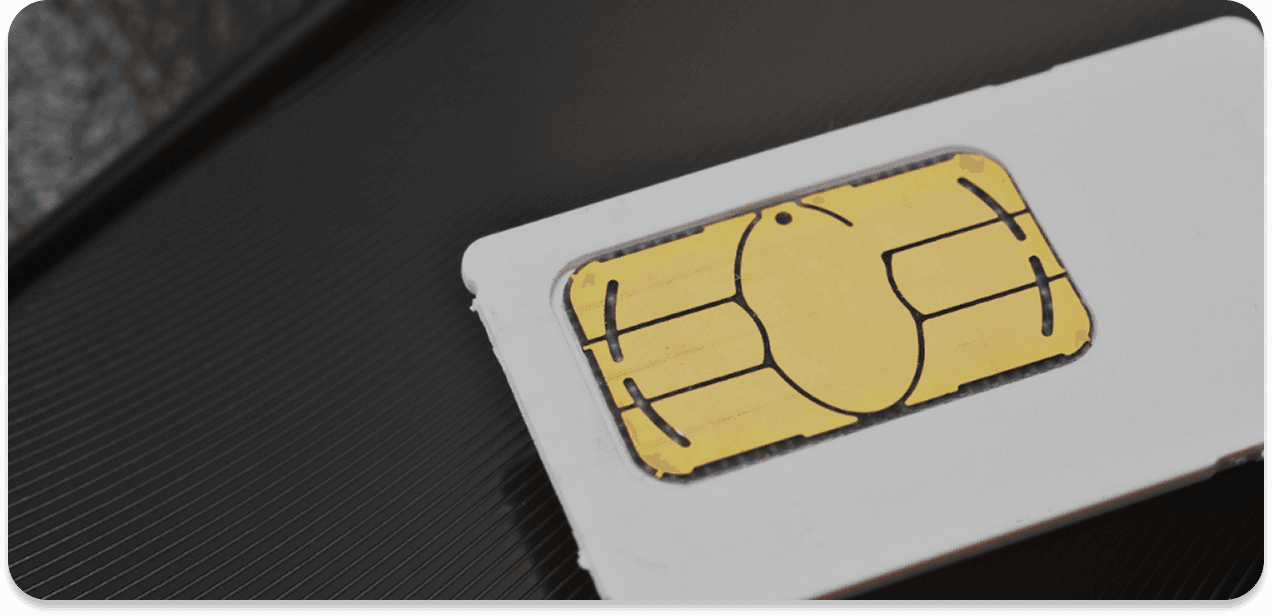
Dual SIM Convenience
Keep your regular number active for calls and bank OTPs while Prune seamlessly handles your travel data.

Eco-Friendly Digital SIM
100% digital technology with zero plastic packaging, zero shipping emissions, and zero physical waste.
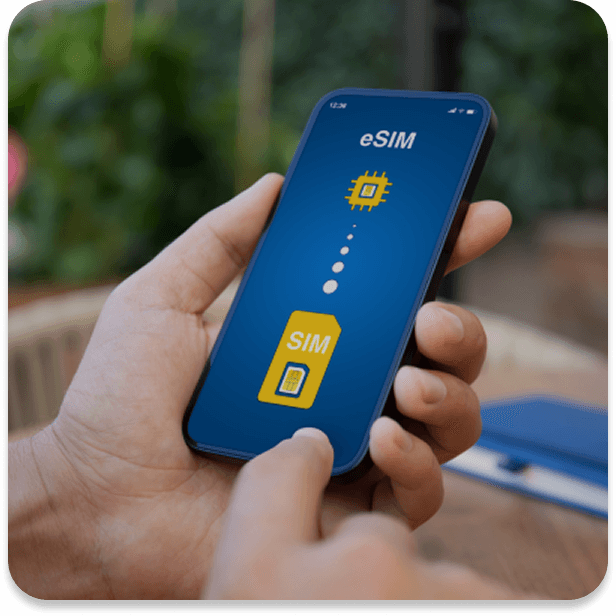
Instant Activation
Get online within minutes from anywhere in the world. No airport queues, no paperwork required.
How to Install an eSIM?
Step-by-Step Installation Guide
1 / 4
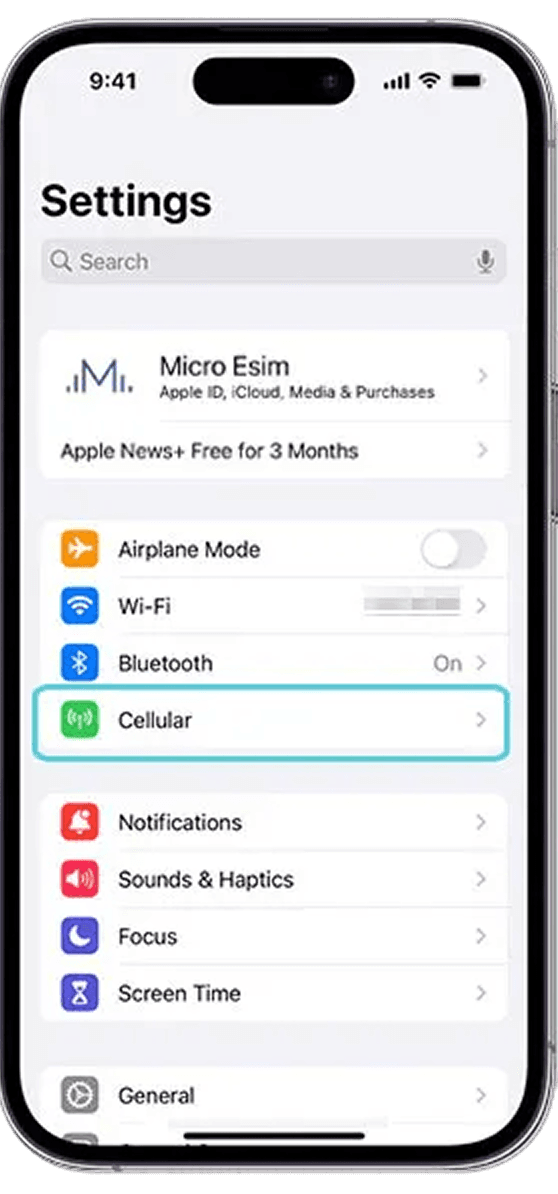
Open Settings
Go to Cellular or Mobile Data in your device settings menu.
2 / 4
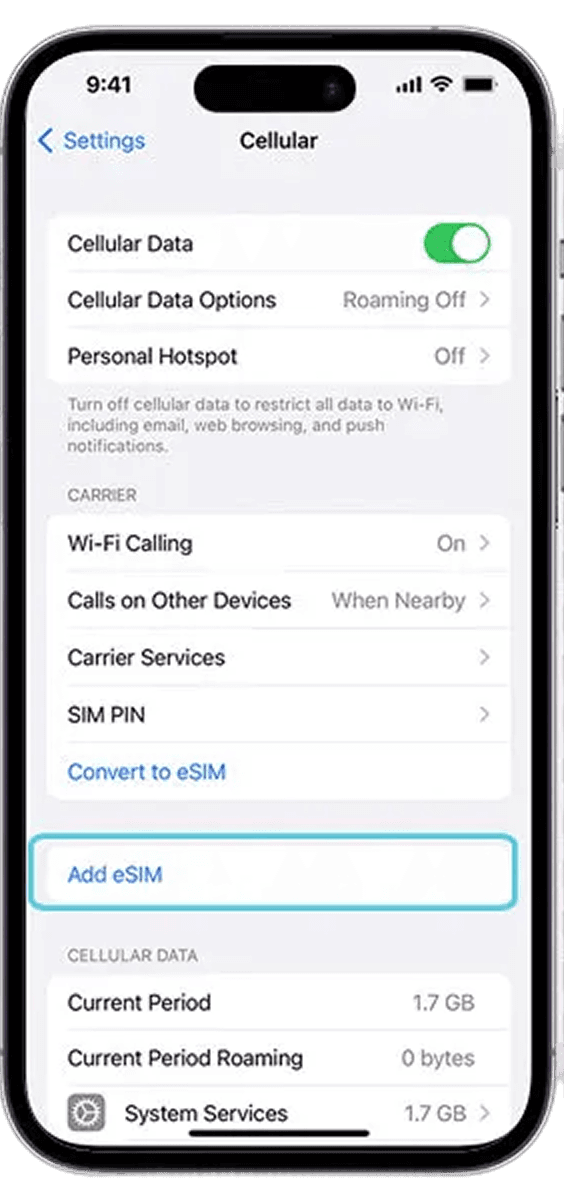
Select Add eSIM
Tap 'Add eSIM' or 'Set Up Mobile Service' on your smartphone.
3 / 4
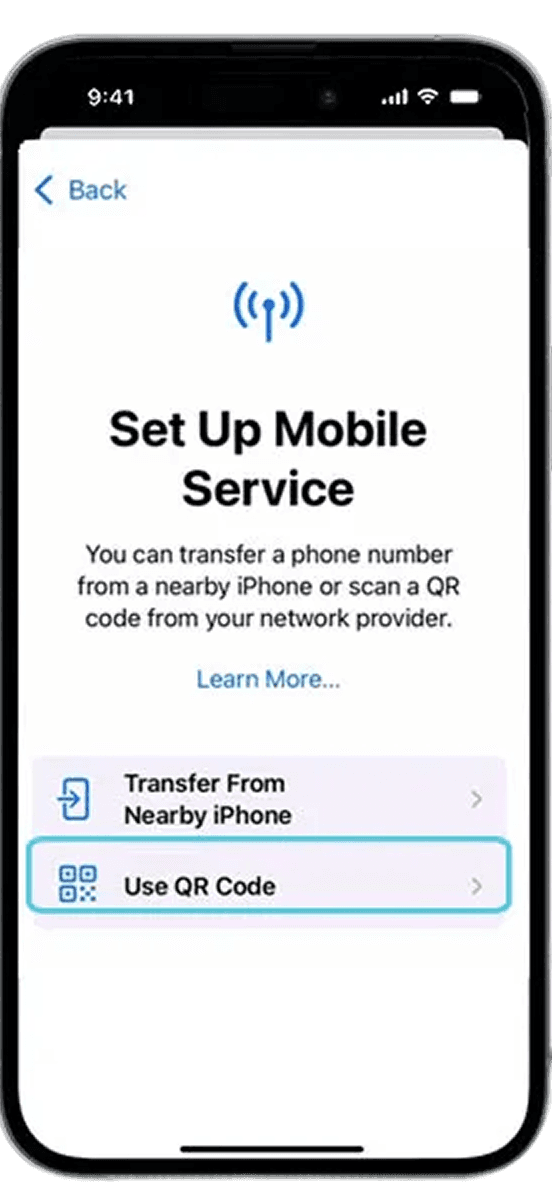
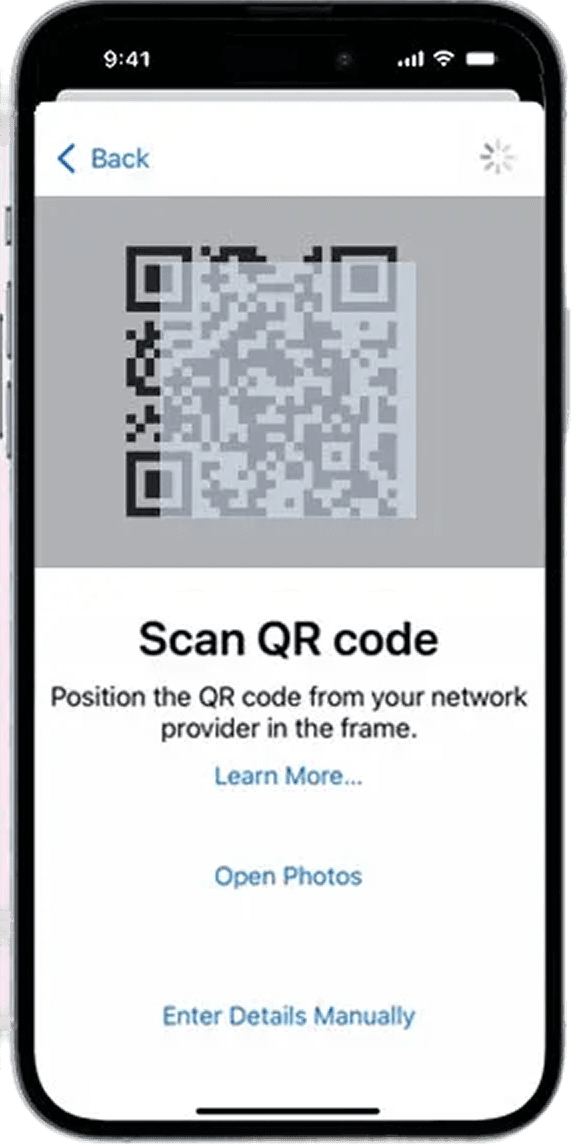
Scan QR Code
Scan the QR code sent to your email or visible in your Prune dashboard.
4 / 4
Turn on Data Roaming
Enable Data Roaming on your eSIM profile to get connected upon arrival.